Models & Routing is where you connect AI providers, browse the model
catalog, govern which models are approved for use, monitor your outpost
fleet, and register the servers and sources your agents can reach — MCP
servers and RAG retrieval sources.
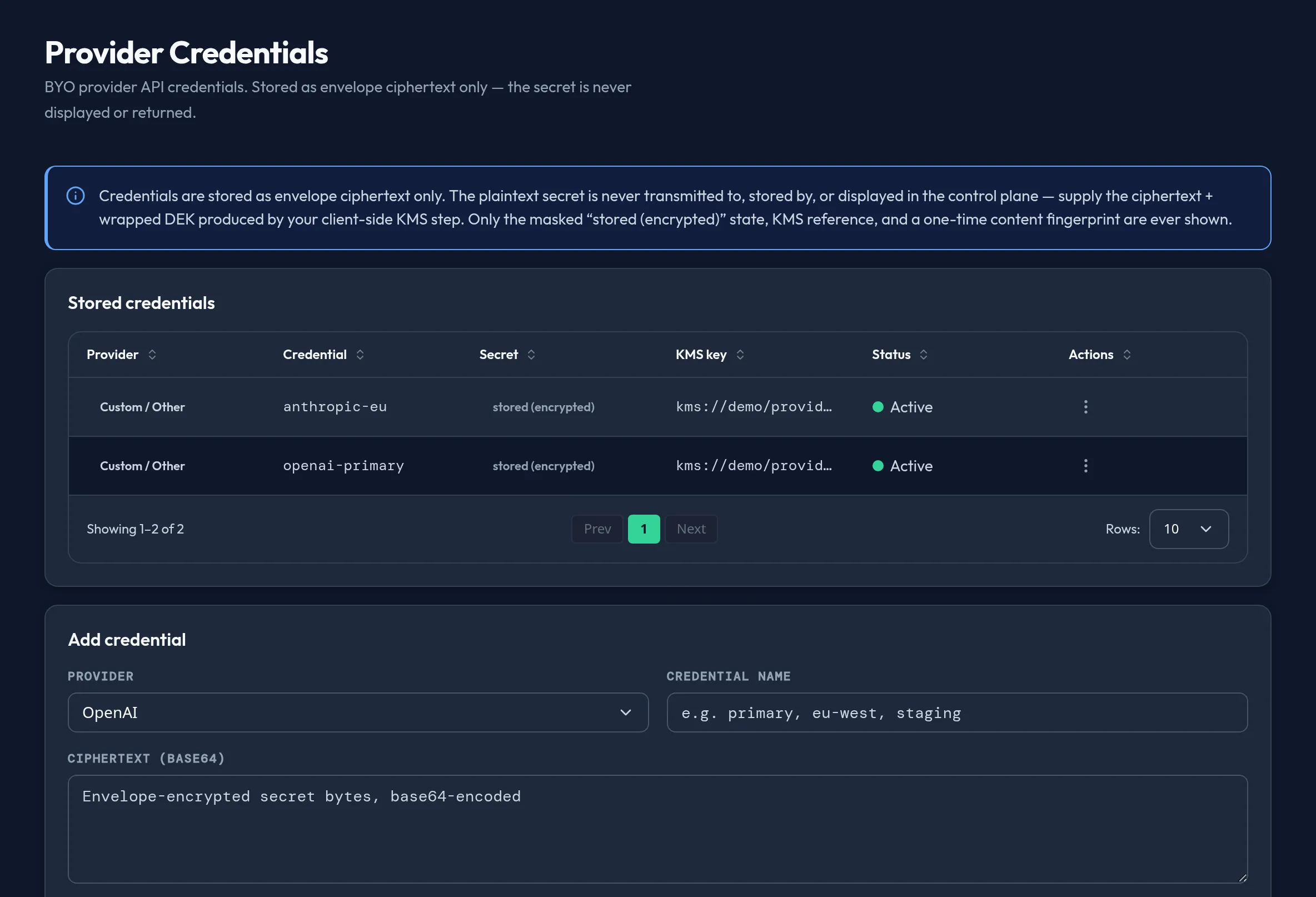
Admin console → Models & Routing → Provider CredentialsCapture pending — Citadel synthetic data on a non-production Arbitex demo instance. Never client data.
Routing and the model kill switch are not configured in this group.
The standalone routing surface was retired — routing is now the pinned,
route-only pack at chain position [0], authored in
Security & DLP → Chain alongside your DLP
policy packs. The kill switch is likewise authoritative in
Security & DLP → Global Kill Switch,
covering global, provider, model, and feature scope — there is no separate
per-model kill switch here.