

Users & Access
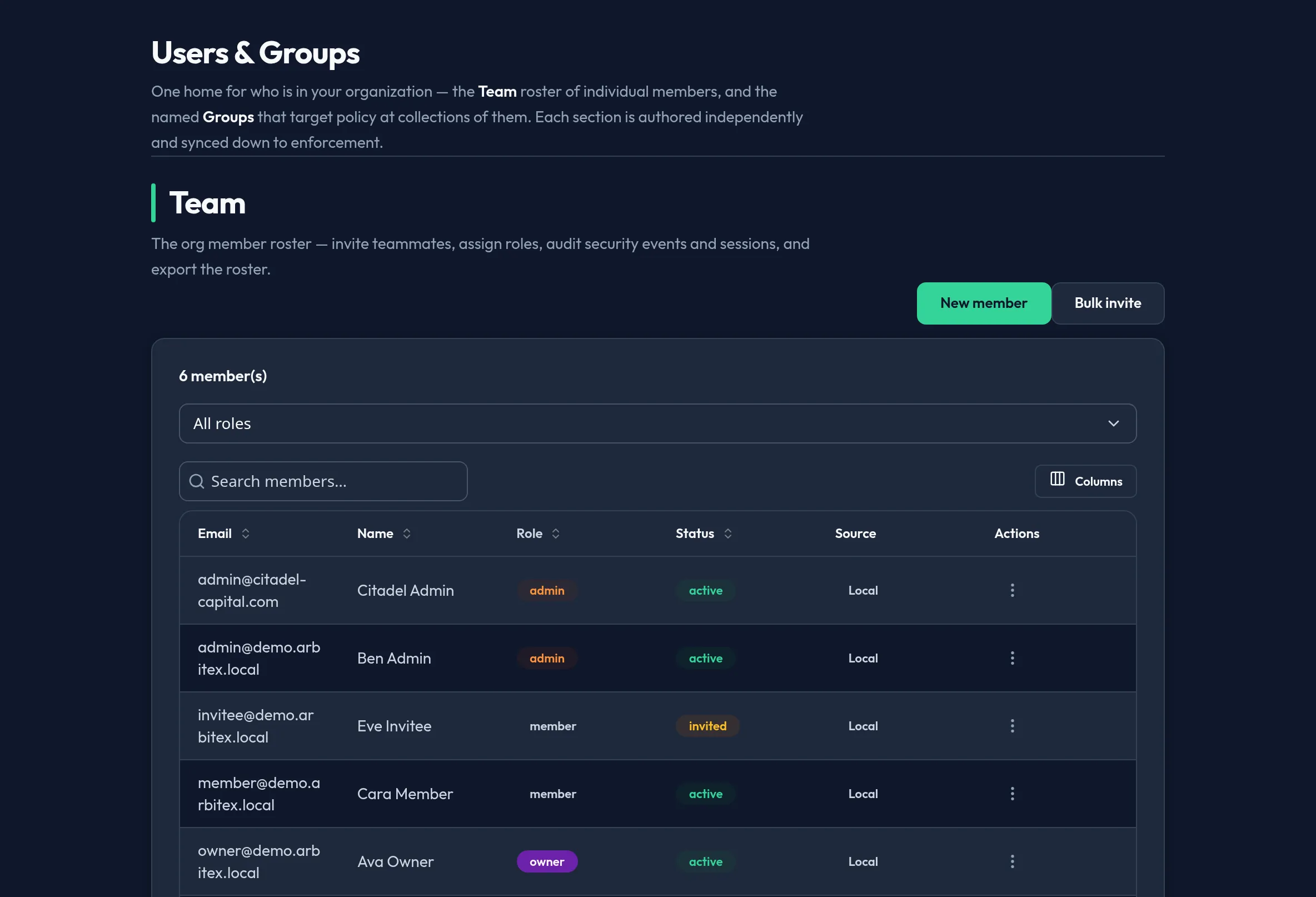
Users & Access is where you manage who can reach Arbitex and what they can do — the first stop when onboarding a team. In the admin console it is the top group in the sidebar, and the Users panel is what opens by default when you sign in.
What’s in this group
Section titled “What’s in this group”Each panel below maps 1:1 to a tab in the console’s Users & Access group. Start at the top for a normal onboarding flow: add your people, group them, then harden sign-in with SSO and MFA.
Managing usersView the org roster, change roles, activate or deactivate accounts, and trigger account recovery.
Inviting usersSend email invitations, set the invited role, and track pending invites.
Groups & rolesBuild groups, assign model access and policy, and understand role-based access control.
Authentication methodsEnable OIDC / SAML SSO and local sign-in, test IdP connectivity, and move to SSO-only.
MFA setup & enforcementRequire multi-factor authentication org-wide and protect sensitive actions with step-up MFA.
Active sessionsSee where admins are signed in, revoke a session, and bulk-log-out during an incident.
Related panels
Section titled “Related panels”The Users & Access group also contains SCIM Sync, SAML IdPs, SSO Test, Guidance, and Model Access. These are covered in depth on their own reference pages: