

Model Catalog
What it does
Section titled “What it does”Model Catalog shows the base models available on this deployment unit (DU) — auto-synced from provider APIs (Anthropic, OpenAI, Google) roughly every six hours. It is read-only: you cannot add, edit, or delete a catalog entry, and the catalog is never merged or authored across DUs. The same page also hosts Model access — formerly a Users & Access panel, now co-located here — where you set org-wide and per-group model allow/deny rules, and a section to register your own OpenAI-compatible endpoints.
Configure in the UI
Section titled “Configure in the UI”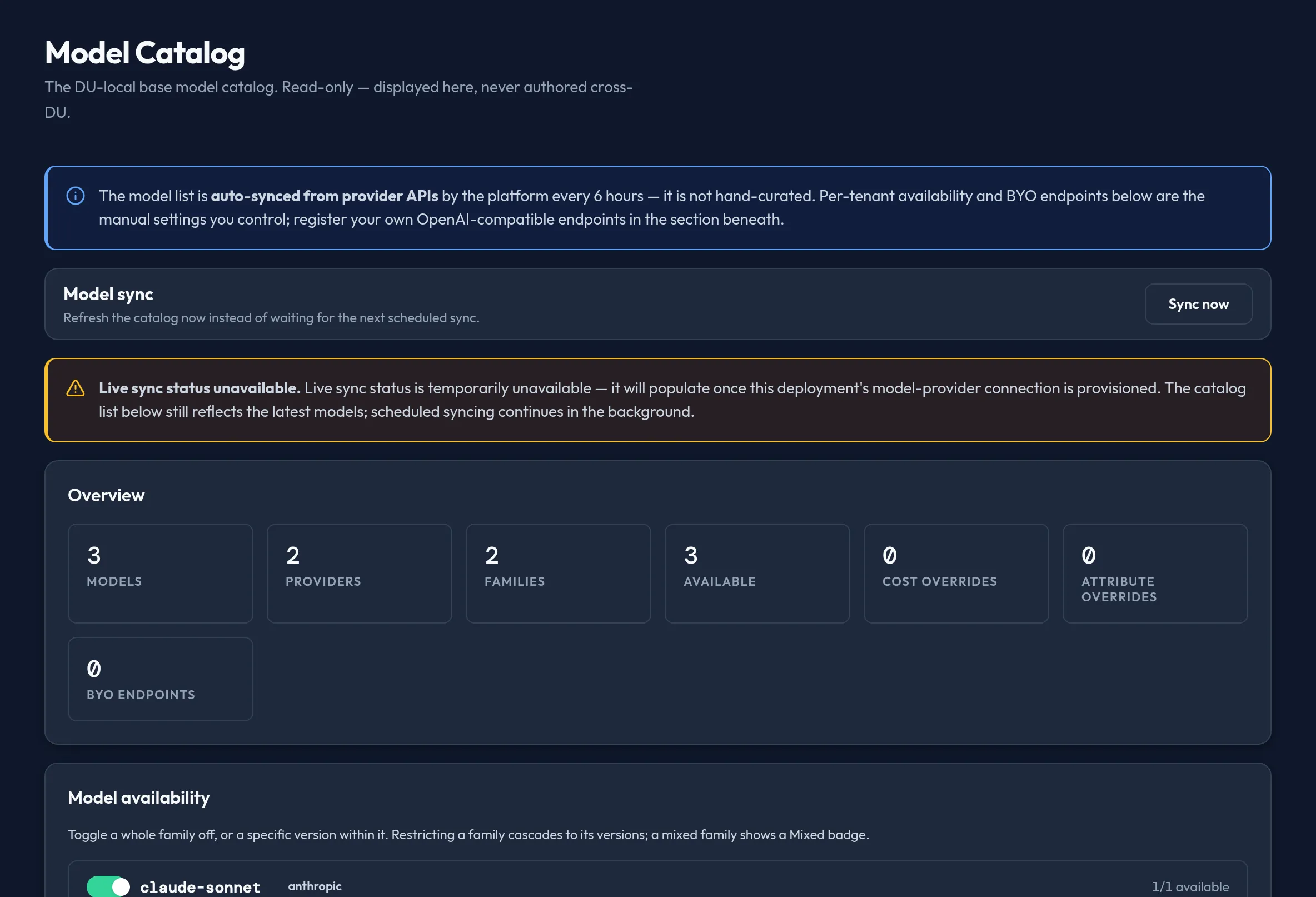
-
Open Models & Routing → Model Catalog. The Public model catalog table lists Model, Provider, Family / version, Context, Pricing, effective Cost, Capabilities, Status (
active/deprecated/pending), and per-tenant Availability — with no row actions, confirming it is a display, not an editor. -
Scroll to Model access to set what your organization can actually use. Under org defaults, click Allow, Deny, or Default next to each model, or use Allow all, Deny all, or Reset all across the board. Add glob patterns (for example
gpt-*, claude-*) to the Allow glob patterns / Deny glob patterns fields to cover future models by name — deny patterns win over allow. -
Select New under Group overrides to scope a different allow/deny set to one group; it falls back to the org defaults if removed.
-
If you need per-tenant model availability toggles or cost/attribute overrides, they live in dedicated panels further down this same page, above Model access.
API equivalent
Section titled “API equivalent”curl -X POST "https://admin.arbitex.ai/api/v1/admin/models-routing/model-catalog/list" \ -H "Authorization: Bearer $ADMIN_TOKEN" \ -H "Content-Type: application/json" \ -d '{"du_id": null}'Model access (org defaults and group overrides) rides the pre-existing Users & Access endpoint — no new route was introduced when the panel moved here:
curl -X POST "https://admin.arbitex.ai/api/v1/admin/users-access/model-access/list" \ -H "Authorization: Bearer $ADMIN_TOKEN" \ -H "Content-Type: application/json" \ -d '{}'Plan & availability
Section titled “Plan & availability”The AI models feature is capped on the Free plan (a small, fixed set of models); Developer Pro and above unlock the full catalog, with Enterprise tiers additionally supporting custom / BYO models via the endpoints section on this page. See Billing & Plans for the current feature matrix.
Deployment notes
Section titled “Deployment notes”The catalog is DU-local — a Hybrid Outpost only lists models it can actually reach; nothing is synced or merged in from another deployment unit. Model access allow/deny rules you author are enforced at every outpost that serves your organization.
Related
Section titled “Related”- Provider Credentials — connect the providers whose models populate this catalog.
- Model Risk Management — governance risk tiers and approvals layered on top of the same catalog.
- Fleet & Outpost — which DU each catalog entry is actually served from.