

Authentication methods
What it does
Section titled “What it does”The Auth Policy surface controls how people sign in to your organization — across its labeled sections (admin-access, end-user, programmatic, and local-user password). You can enable single sign-on through OIDC or SAML, keep local username/password sign-in, and — once SSO is verified — move to an SSO-only posture that disables local passwords entirely.
Configure in the UI
Section titled “Configure in the UI”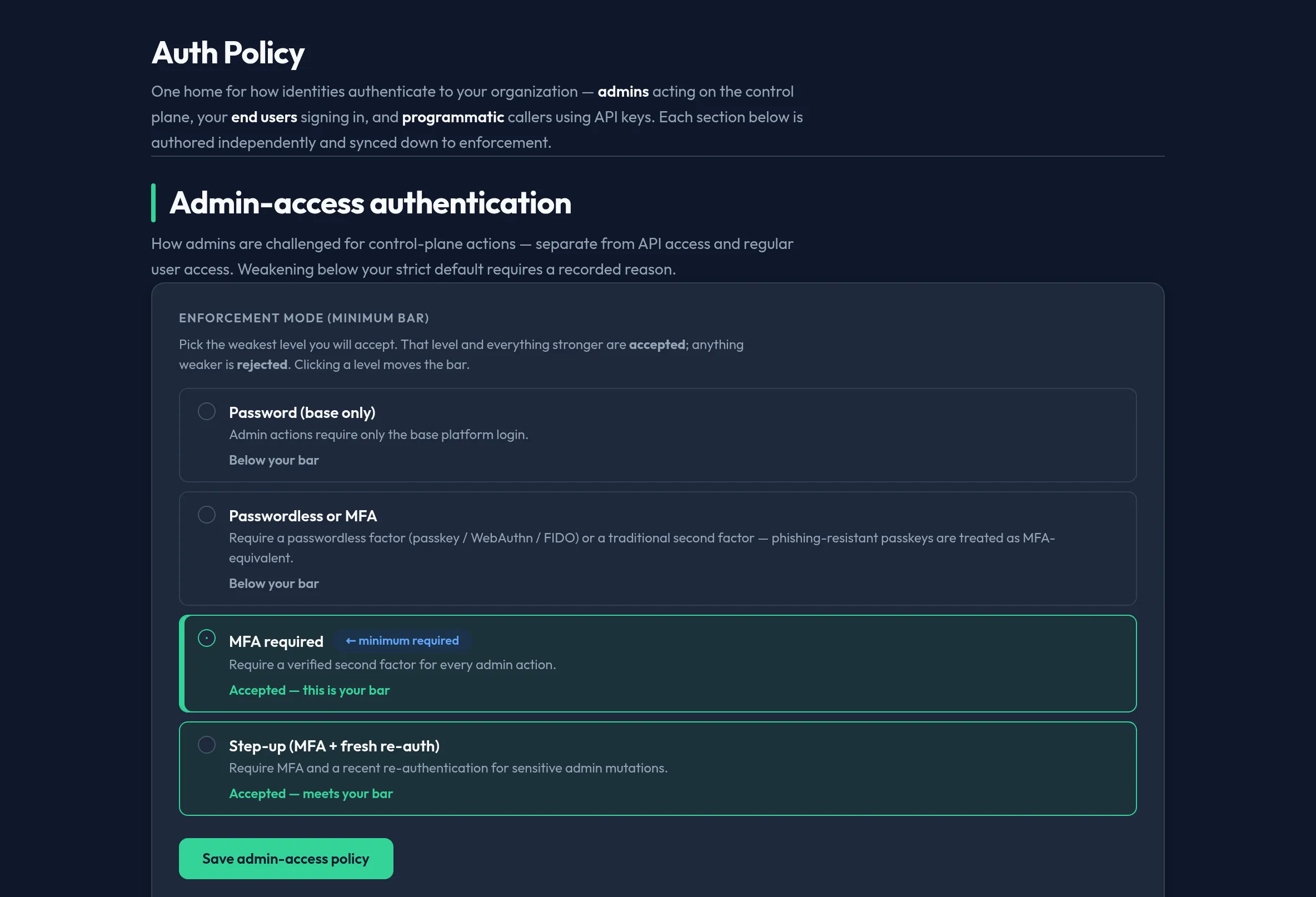
-
Register your identity provider first — create the SAML IdP config or set the OIDC connection under SAML IdPs / SSO configuration. See SSO login flow for what users experience.
-
Open Users & Access → Auth Policy. Toggle on the method(s) you want to allow: OIDC, SAML, and/or Local.
-
Before you rely on SSO, use SSO Test (or the panel’s test action) to verify IdP connectivity end-to-end with a real login round-trip.
-
Once SSO works, enable SSO-only to disable local passwords. Keep at least one break-glass admin path so you cannot lock yourself out.
API equivalent
Section titled “API equivalent”Auth-method state is stored in org configuration. Read and update it under the
admin config API (requires the admin role):
# read current auth-method configurationcurl -X POST "https://admin.arbitex.ai/api/v1/admin/config/auth_methods_config" \  -H "Authorization: Bearer $ADMIN_TOKEN"
# update (enable OIDC + SAML, keep local off = SSO-only)curl -X POST "https://admin.arbitex.ai/api/v1/admin/config" \  -H "Authorization: Bearer $ADMIN_TOKEN" \  -H "Content-Type: application/json" \  -d '{"key": "auth_methods_config", "value": {"oidc": true, "saml": true, "local": false}}'
See the Auth method configuration reference for the full config shape and IdP registration steps.
Plan & availability
Section titled “Plan & availability”Local sign-in is available on every plan. SSO (OIDC/SAML) and SCIM provisioning are enterprise-tier features; on lower tiers the SSO toggles render visible-but-disabled with an upgrade prompt.
Deployment notes
Section titled “Deployment notes”On a Hybrid Outpost, the IdP connection is made from the customer-managed data plane to your identity provider. In an air-gapped deployment, use an IdP reachable inside the enclave, or rely on local sign-in with MFA enforced.