

Budget
What it does
Section titled “What it does”Budget shows spend against limit, burn rate, and projected month-end spend — display-only. The monthly limit itself is authored in System → Budget; this page only visualizes spend-vs-limit and per-scope (model/provider) caps with their month-to-date and day-to-date spend.
Configure in the UI
Section titled “Configure in the UI”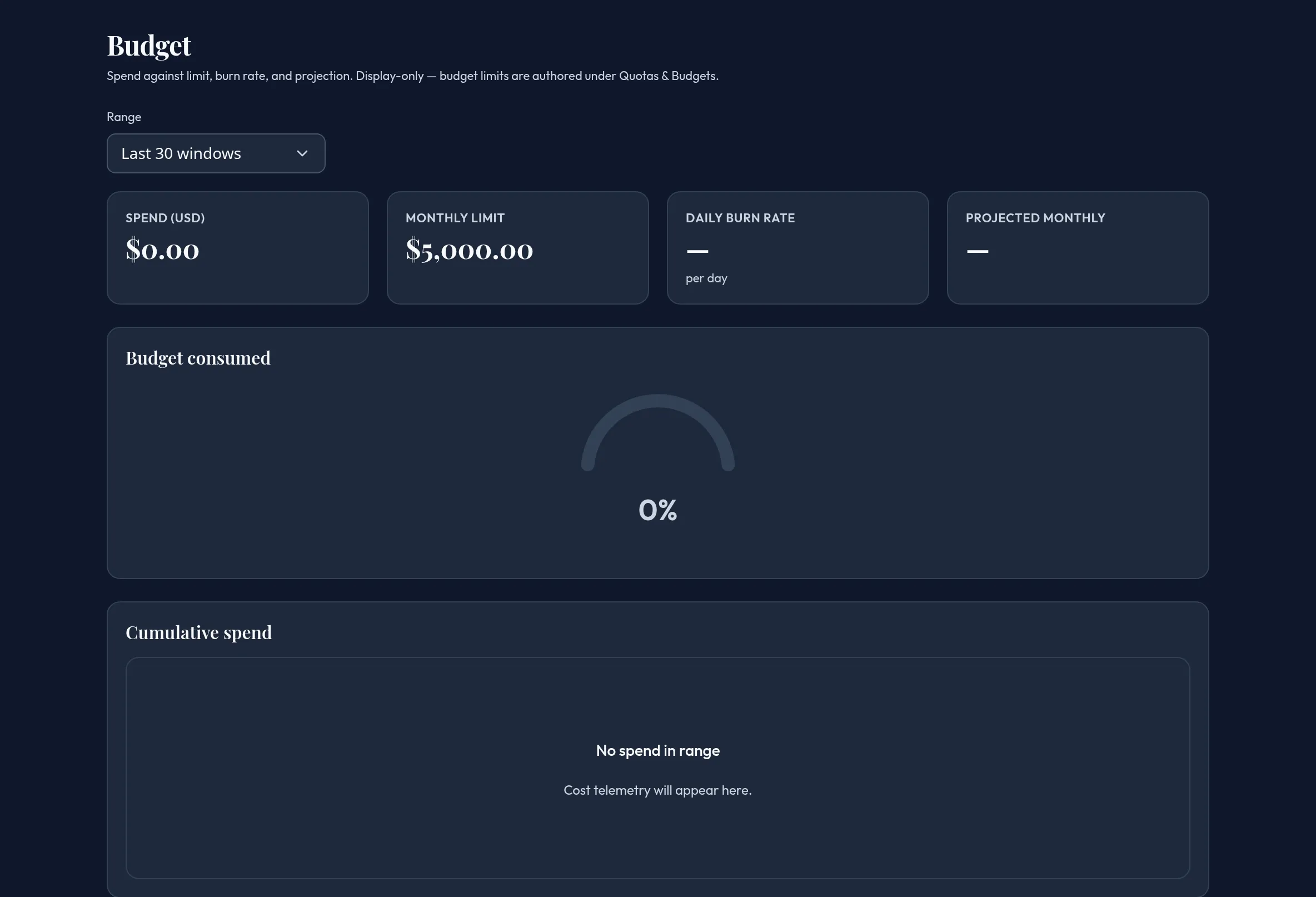
-
Open Monitoring & Reporting → Budget. Pick a range for the Cumulative spend chart.
-
Review Spend (USD), Monthly limit (reads “Not set” with a pointer to System → Budget when none is configured), Daily burn rate, and Projected monthly (flagged if the projection would exceed the configured limit).
-
Review Budget consumed — a percent-of-limit gauge, shown only once a limit is configured.
-
Review Cumulative spend — daily and running-total lines.
-
Use the Per-scope spend caps table’s Group by control (Model / Provider) to see each scope’s daily/monthly cap plus its month-to-date and day-to-date spend. This reads “Temporarily unavailable” if the platform per-scope read can’t be reached, or “No per-scope caps configured” if the read succeeds with nothing authored.
API equivalent
Section titled “API equivalent”curl -X POST "https://admin.arbitex.ai/api/v1/admin/monitoring/budget/summary" \ -H "Authorization: Bearer $ADMIN_TOKEN" \ -H "Content-Type: application/json" \ -d '{}'Per-scope caps read budget/scope-caps.
Plan & availability
Section titled “Plan & availability”Available on every plan. Setting the monthly limit happens in System → Budget — this page is view-only.
Deployment notes
Section titled “Deployment notes”Per-scope caps are a platform cross-plane read; air-gapped deployments without a platform path show “temporarily unavailable,” never a fabricated cap.
Related
Section titled “Related”- System → Budget — author the monthly limit.
- Cost
- Budget enforcement