

SIEM Connectors
What it does
Section titled “What it does”SIEM Connectors points your organization’s audit stream at an external SIEM: Splunk HEC, Microsoft Sentinel, Elastic SIEM, Datadog, Sumo Logic, Palo Alto Cortex XSIAM, or IBM QRadar. Each connector has its own non-secret config fields (endpoint, index, tenant, and so on) plus exactly one confidential credential, which you submit as write-only client-side envelope ciphertext — the control plane never sees or stores plaintext. This surface moved here from Users & Access because audit-stream fan-out is a monitoring/system concern.
Configure in the UI
Section titled “Configure in the UI”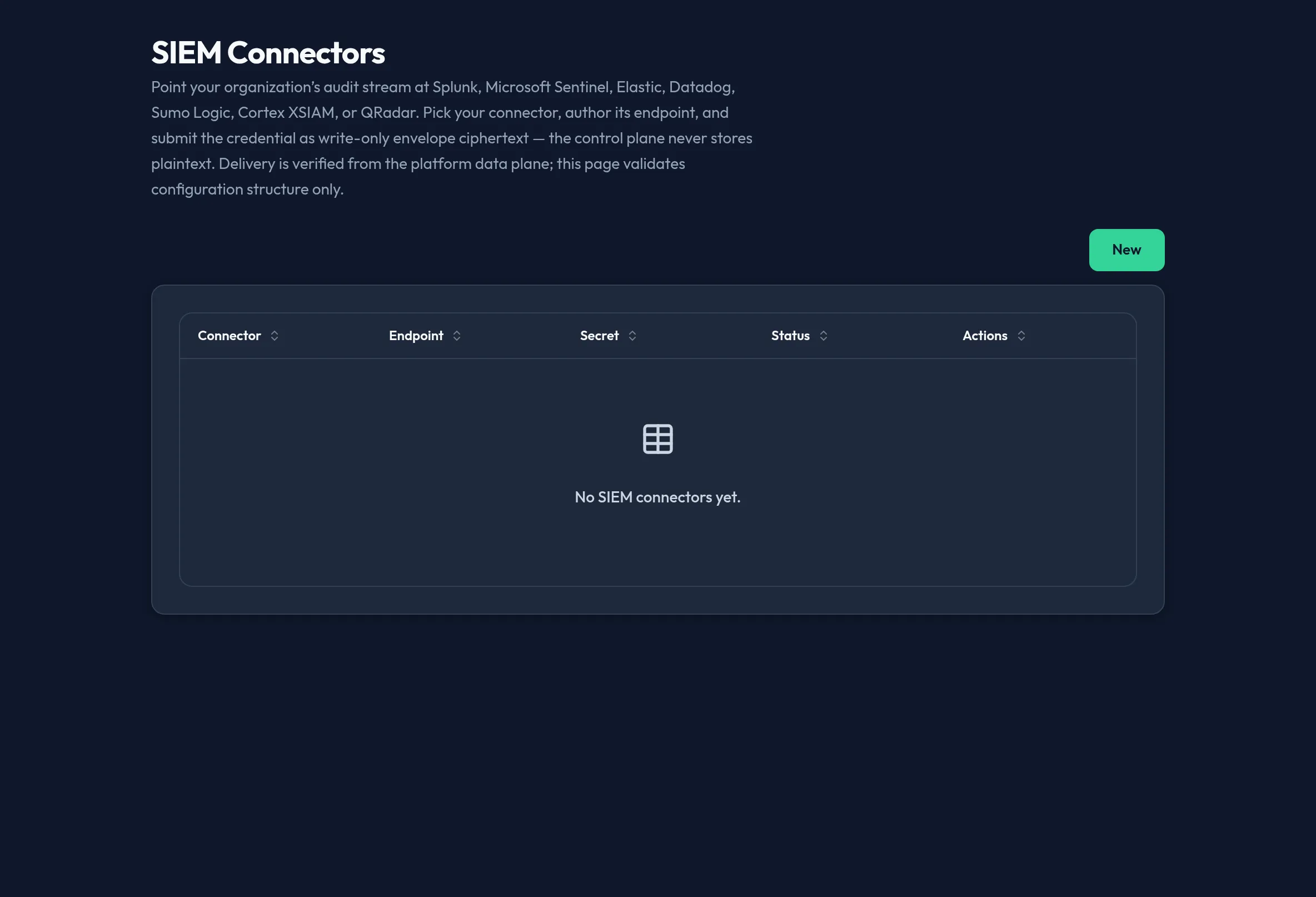
-
Open System → SIEM Connectors and click New.
-
Choose a Connector type. The form’s fields change to match — for example Splunk HEC asks for a HEC URL, index, and source; Sentinel asks for a tenant ID, client ID, DCE endpoint, and DCR immutable ID; Sumo Logic has no separate config fields because its HTTP Source URL is the secret.
-
Fill in the connector’s non-secret fields (URL, tenant/cloud ID, and similar).
-
Provide the connector’s one credential as write-only envelope material: ciphertext (base64), the wrapped DEK (base64), and optionally a KMS key reference and a last-4 display hint. Leave these blank when editing an existing connector to keep its current secret unchanged.
-
Toggle Enabled, then save. Use Test connection to validate the configuration’s structure — this is a zero-egress structural check, not a live delivery test.
-
Use Edit or Delete from the connector list to manage an existing connector.
API equivalent
Section titled “API equivalent”List, create/update, delete, and structurally test a connector:
curl -X POST "https://admin.arbitex.ai/api/v1/admin/users-access/siem/list" \  -H "Authorization: Bearer $ADMIN_TOKEN"# → { "objects": [ { "object_key": "...", "connector_type": "splunk_hec", "config": {"url": "https://splunk.example.com:8088"}, "has_secret": true, "is_enabled": true } ] }
curl -X POST "https://admin.arbitex.ai/api/v1/admin/users-access/siem/upsert" \  -H "Authorization: Bearer $ADMIN_TOKEN" \  -H "Content-Type: application/json" \  -d '{"siem": {"connector_type": "splunk_hec", "is_enabled": true, "config": {"url": "https://splunk.example.com:8088", "index": "arbitex"}}, "ciphertext_b64": "...", "wrapped_dek_b64": "..."}'
curl -X POST "https://admin.arbitex.ai/api/v1/admin/users-access/siem/delete" \  -H "Authorization: Bearer $ADMIN_TOKEN" \  -H "Content-Type: application/json" \  -d '{"object_key": "$OBJECT_KEY"}'
curl -X POST "https://admin.arbitex.ai/api/v1/admin/users-access/siem/test-connection" \  -H "Authorization: Bearer $ADMIN_TOKEN" \  -H "Content-Type: application/json" \  -d '{"object_key": "$OBJECT_KEY"}'
Although this panel is nav-homed at /system/siem, its backend routes still
live under the Users & Access authoring seam
(/api/v1/admin/users-access/siem).
Plan & availability
Section titled “Plan & availability”SIEM connector authoring is typically a higher-tier capability; where a plan doesn’t include it, this System feature renders visible but disabled with an upgrade prompt.
Deployment notes
Section titled “Deployment notes”On a Hybrid Outpost, the audit stream fanned out to your SIEM originates from that deployment’s own audit log, so a connector configured there only carries events from that Outpost. In an air-gapped deployment, your SIEM endpoint must be reachable from inside the air gap — a cloud-hosted SIEM endpoint outside it will never receive deliveries.