

Budget
What it does
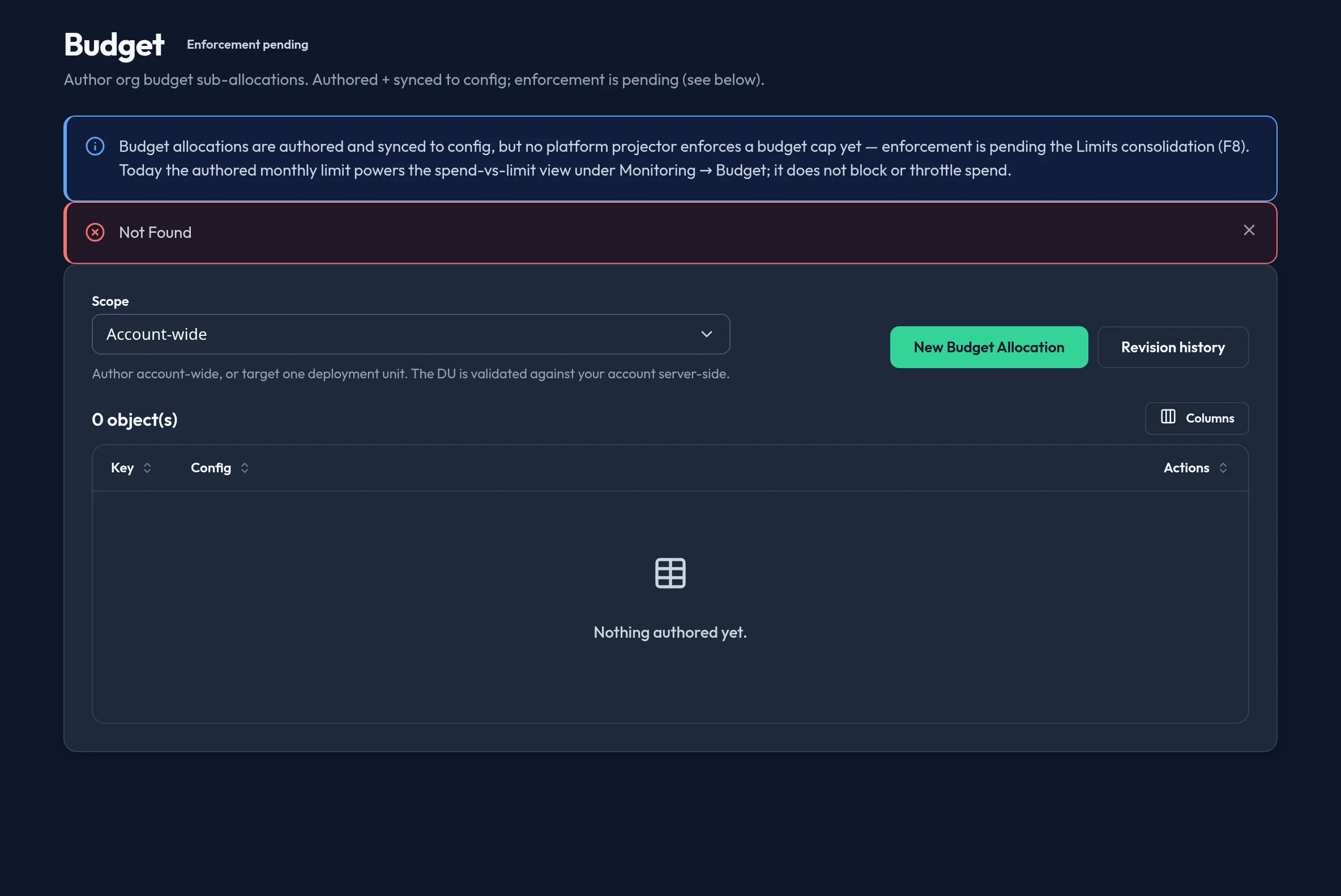
Section titled “What it does”Budget sub-allocations author a currency and a monthly limit per budget scope
for your organization. There is no standalone Budget surface in the shipped
admin console. Budget authoring was folded into the unified Quotas &
Budgets surface (/system/quotas), where a budget is an optional per-scope
typed budget sub-object ({ currency, monthly_limit }) on a Quotas row.
Configure in the UI
Section titled “Configure in the UI”Author budgets from the Quotas & Budgets surface — see Quotas & Budgets → Configure in the UI for the current step-by-step. In short: open System → Quotas & Budgets, add or edit a quota, and set its optional budget dimension (currency + monthly limit) for the chosen scope.
API equivalent
Section titled “API equivalent”The standalone /api/v1/admin/system/budget/{set,list} routes no longer exist.
A budget rides on a Quotas object as an optional typed budget sub-object, so
it is authored through the Quotas surface’s backend seam under
/api/v1/admin/users-access/quotas — see
Quotas & Budgets → API equivalent for the current list
/ upsert / delete calls and object shape.
Plan & availability
Section titled “Plan & availability”Budget authoring is available on every plan. Because enforcement is pending, no plan tier changes how a budget behaves today — every tier gets the same spend-vs-limit visibility and none get a hard cap yet.
Deployment notes
Section titled “Deployment notes”On a Hybrid Outpost, budgets are authored and stored the same as on the cloud admin console; the spend-vs-limit view under Monitoring reads from the same deployment’s usage rollup. In an air-gapped deployment, usage rollup still populates locally, so the spend-vs-limit view works without external connectivity.
Related
Section titled “Related”- Quotas & Budgets — the shipped home for budget and quota authoring.
- Budget & cost — where the authored monthly limit is actually shown against spend.
- Config Backup & Restore — budgets are included (secret-free) in every backup snapshot.