

Guidance
What it does
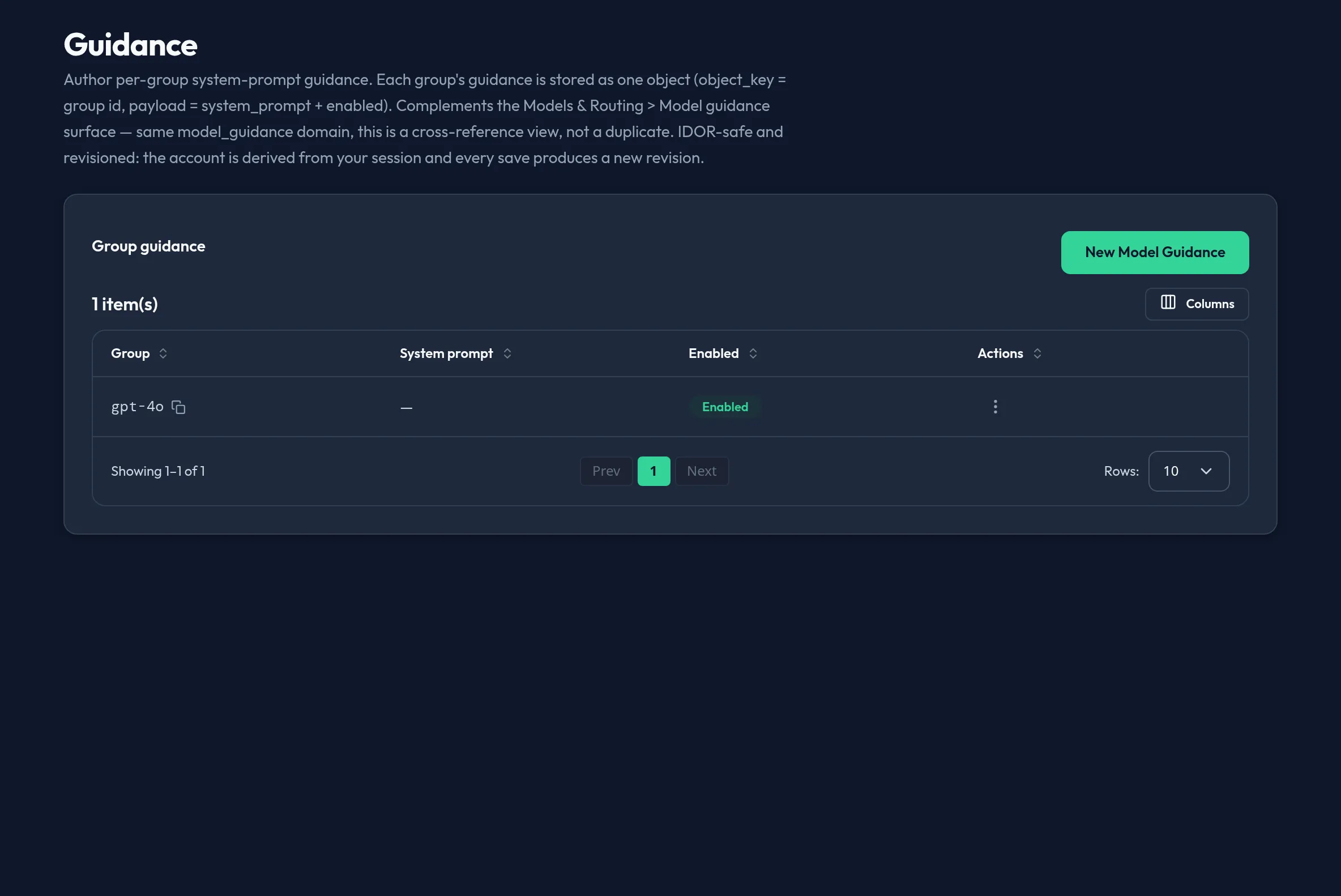
Section titled “What it does”Guidance injects system-prompt text into requests — for example, a house
system prompt targeted at a specific group. There is no standalone Guidance
surface in the shipped admin console. The legacy per-group model_guidance
domain was retired: its objects were migrated into the org’s pinned Guidance
pack, and guidance is now authored as inject-guidance chain entries under
Security & DLP → Policy Packs / Chain.
Configure in the UI
Section titled “Configure in the UI”Author guidance as an inject-guidance entry in the pinned Guidance pack:
open Security & DLP → Policy Packs, edit the Guidance pack, and add an
entry with the system prompt to inject (optionally targeted at a group). The
Chain panel controls where the Guidance pack sits
relative to your DLP packs. See those pages for the current step-by-step.
API equivalent
Section titled “API equivalent”The legacy /api/v1/admin/models-routing/model-guidance/{set,list} routes and
the model_guidance config domain are retired. Guidance entries now live on the
Guidance policy pack, so they are authored through the policy-pack authoring
seam — see Policy Packs → API equivalent
and Chain for the current calls and the
inject-guidance entry shape.
Plan & availability
Section titled “Plan & availability”Guidance authoring is available on every plan.
Deployment notes
Section titled “Deployment notes”On a Hybrid Outpost, guidance packs are authored and synced the same as on the cloud admin console, scoped to that deployment. In an air-gapped deployment, authoring works fully offline.
Related
Section titled “Related”- Policy Packs — where the Guidance pack’s
inject-guidanceentries are composed. - Chain — where the pinned Guidance pack is ordered relative to your DLP packs.
- Groups & roles — where the groups a guidance entry can target are created and managed.