

Groups & roles
What it does
Section titled “What it does”Groups are the primary unit of access control in Arbitex. A group collects users and carries the settings that apply to them: which AI models they can reach, which policy pack governs them, and per-group DLP detector overrides. A user’s effective permissions are the union of every group they belong to.
The two org roles — Member and Admin — control access to the console itself; groups control what a user can do through Arbitex.
Configure in the UI
Section titled “Configure in the UI”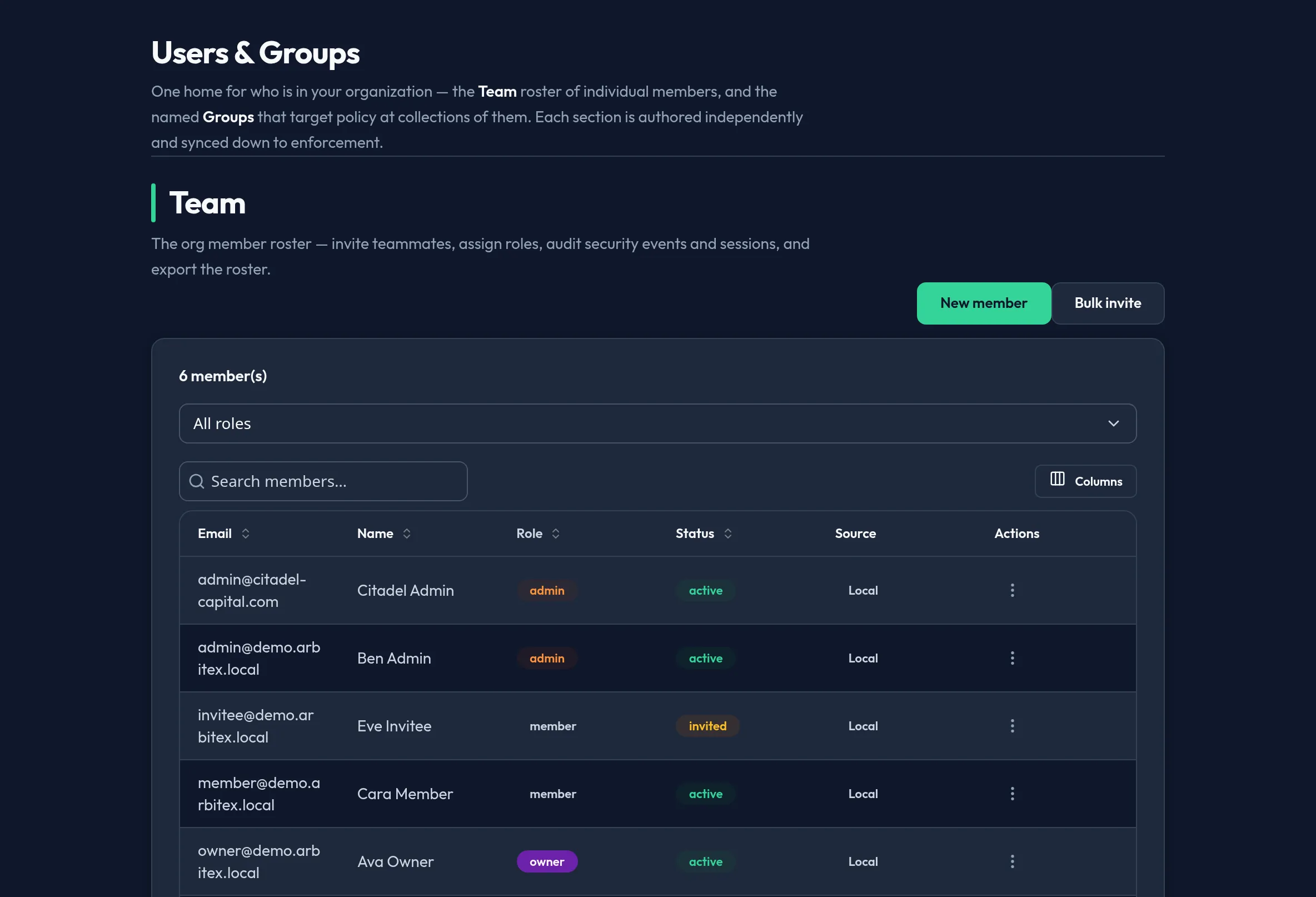
-
Open Users & Access → Users & Groups and switch to its Groups section. Existing groups are listed with their member counts.
-
Choose New group, give it a name, and save. The new group opens for configuration.
-
In the group detail pane, add members from your roster.
-
Assign model access — the set of providers and models this group may route to. Users outside any allowing group cannot reach a model.
-
Assign a policy pack to govern the group’s traffic, and set any per-group DLP detector overrides.
API equivalent
Section titled “API equivalent”Groups are managed under the admin groups API (control plane), which uses a
POST-per-action (RPC-style) convention. All calls require the admin role.
Create a group:
curl -X POST "https://admin.arbitex.ai/api/v1/admin/groups" \ -H "Authorization: Bearer $ADMIN_TOKEN" \ -H "Content-Type: application/json" \ -d '{"name": "Engineering"}'List groups, update a group, and manage membership use sibling routes under the same prefix, for example:
# listcurl -X POST "https://admin.arbitex.ai/api/v1/admin/groups/list" \  -H "Authorization: Bearer $ADMIN_TOKEN"
# add / read memberscurl -X POST "https://admin.arbitex.ai/api/v1/admin/groups/$GROUP_ID/members/get" \  -H "Authorization: Bearer $ADMIN_TOKEN"
Per-group model access is managed under /api/v1/admin/model-access. See the
Groups and RBAC reference for the full
schema and every endpoint.
Plan & availability
Section titled “Plan & availability”Groups and RBAC are available on every plan. The number of groups and the availability of per-group DLP overrides may be gated on higher tiers; gated controls render visible-but-disabled with an upgrade prompt.
Deployment notes
Section titled “Deployment notes”Group definitions live in the control-plane database and are enforced by the data plane at request time. On a Hybrid Outpost, group-to-policy resolution happens locally, so enforcement continues even if the control plane is temporarily unreachable.
Related
Section titled “Related”- Groups and RBAC reference — full endpoint and schema reference.
- Managing users — the accounts you add to groups.
- Portal RBAC — console permission model.