

Fleet & Outpost
What it does
Section titled “What it does”Fleet & Outpost is a monitoring surface — it lists every deployment unit (DU) in your account, including any Hybrid Outpost instances, and shows their runtime type, region/zone, health, version, last-seen time, latency, certificate expiry, and connectivity. It is read-only: there is no rename, remove, or credential-rotation action on this page.
Configure in the UI
Section titled “Configure in the UI”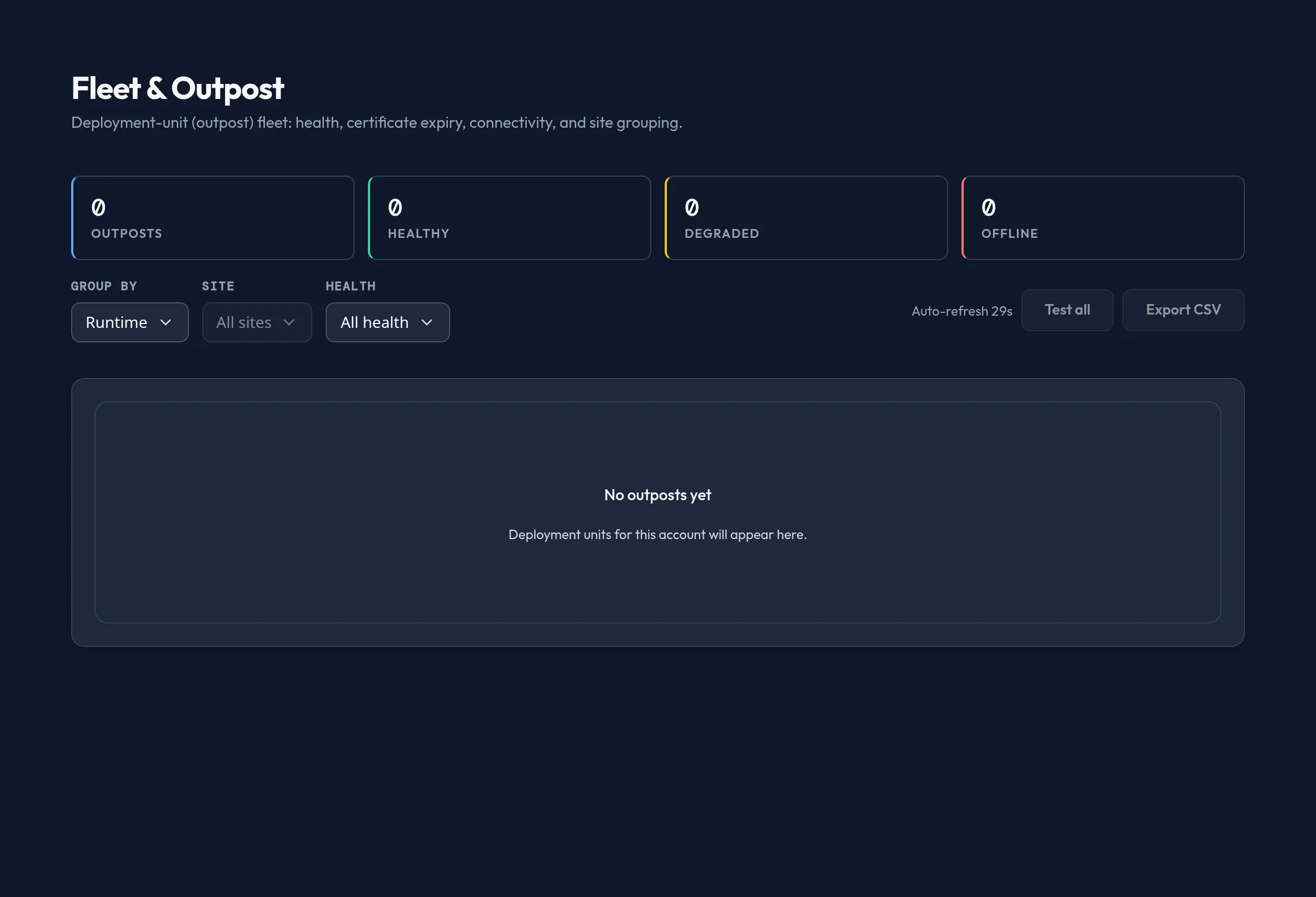
-
Open Models & Routing → Fleet & Outpost. Summary cards at the top show the total outpost count and how many are Healthy, Degraded, or Offline.
-
The table lists Outpost, Runtime (
SaaS DU,Connected outpost, orAir-gapped outpost), Location (region · zone), Health, Version, Last seen, Latency, Cert expiry, and Connectivity. Use Group by to roll rows up by Runtime, Site, or turn grouping off. -
Filter by Site or Health with the two dropdowns; Clear filters appears once either is active.
-
Click Test on a row to probe that outpost’s connectivity, or Test all to probe every filtered row at once.
-
Use Export CSV to download the current fleet table for offline review or an incident timeline.
API equivalent
Section titled “API equivalent”curl -X POST "https://admin.arbitex.ai/api/v1/admin/models-routing/fleet/health" \ -H "Authorization: Bearer $ADMIN_TOKEN" \ -H "Content-Type: application/json" \ -d '{"du_id": null}'curl -X POST "https://admin.arbitex.ai/api/v1/admin/models-routing/fleet/test-connection" \ -H "Authorization: Bearer $ADMIN_TOKEN" \ -H "Content-Type: application/json" \ -d '{"du_id": "<outpost-id>"}'The base fleet roster (outpost identity, without live health) is read from the control plane’s deployment-unit listing rather than this segment; the two calls above layer the health overlay and the per-outpost connectivity probe on top of it.
Plan & availability
Section titled “Plan & availability”The number of outposts you can register is governed by your plan’s outpost allowance — Free and Developer Pro plans support zero or one outpost, Team raises the cap, and Enterprise plans are unlimited. See Billing & Plans for the exact limits. The Fleet & Outpost monitoring page itself is visible on every plan.
Deployment notes
Section titled “Deployment notes”This page is the primary place to check the health of a Hybrid Outpost before and during an incident. An outpost badged “Air-gapped outpost” still reports its authored identity and grouping, but live health, connectivity, and certificate-expiry columns depend on the same not-yet-wired platform read-side described above regardless of runtime type — an air-gapped outpost does not get less signal than a connected one today, both are limited by the same gap.
Related
Section titled “Related”- Provider Credentials — credentials each outpost uses to dispatch to providers.
- Model Catalog — the DU-local catalog each outpost serves from.
- Billing & Plans — outpost-node limits per plan tier.